

MEMOLUB APP User guide
OGÓLNE
| Apple | Other brands | |
|---|---|---|
| Requirements | iOS 12.2 (or later). | Android 7.0 (or later). |
| Requirements | iPad OS 12.2 (or later). | - |
| Requirements |
macOS 11.0 (or later) and a Mac with Apple M1 (or later). |
|
| Available space needed | 71,6 MB | 71,2 MB |
| Compatible with | Memolub HPS Blue and Memolub Connect Pro | |
STEP BY STEP
Install The Memolub App
-
1
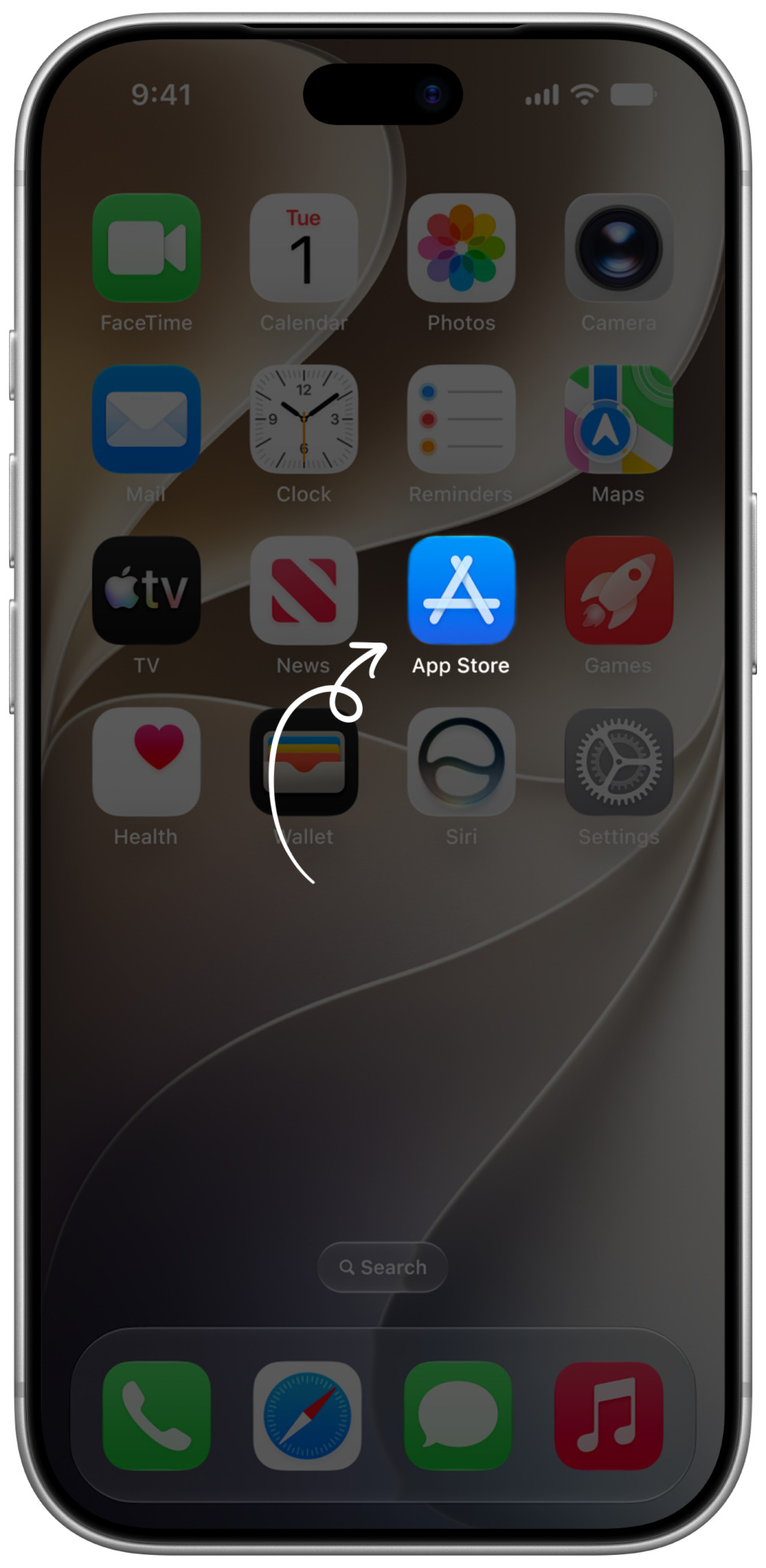
Go to the App Store / Google Play
-
2
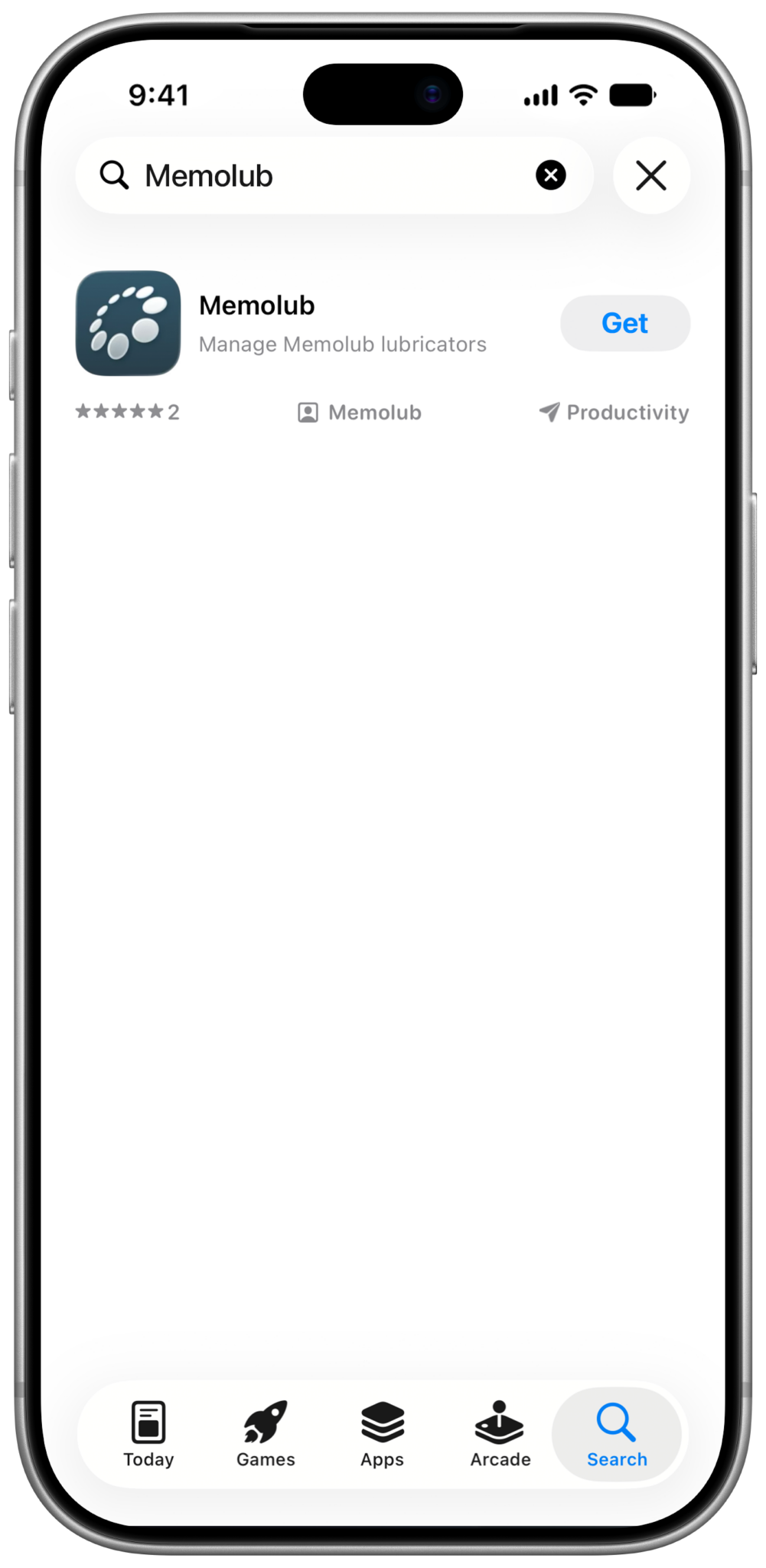
Search for the Memolub app.
-
3
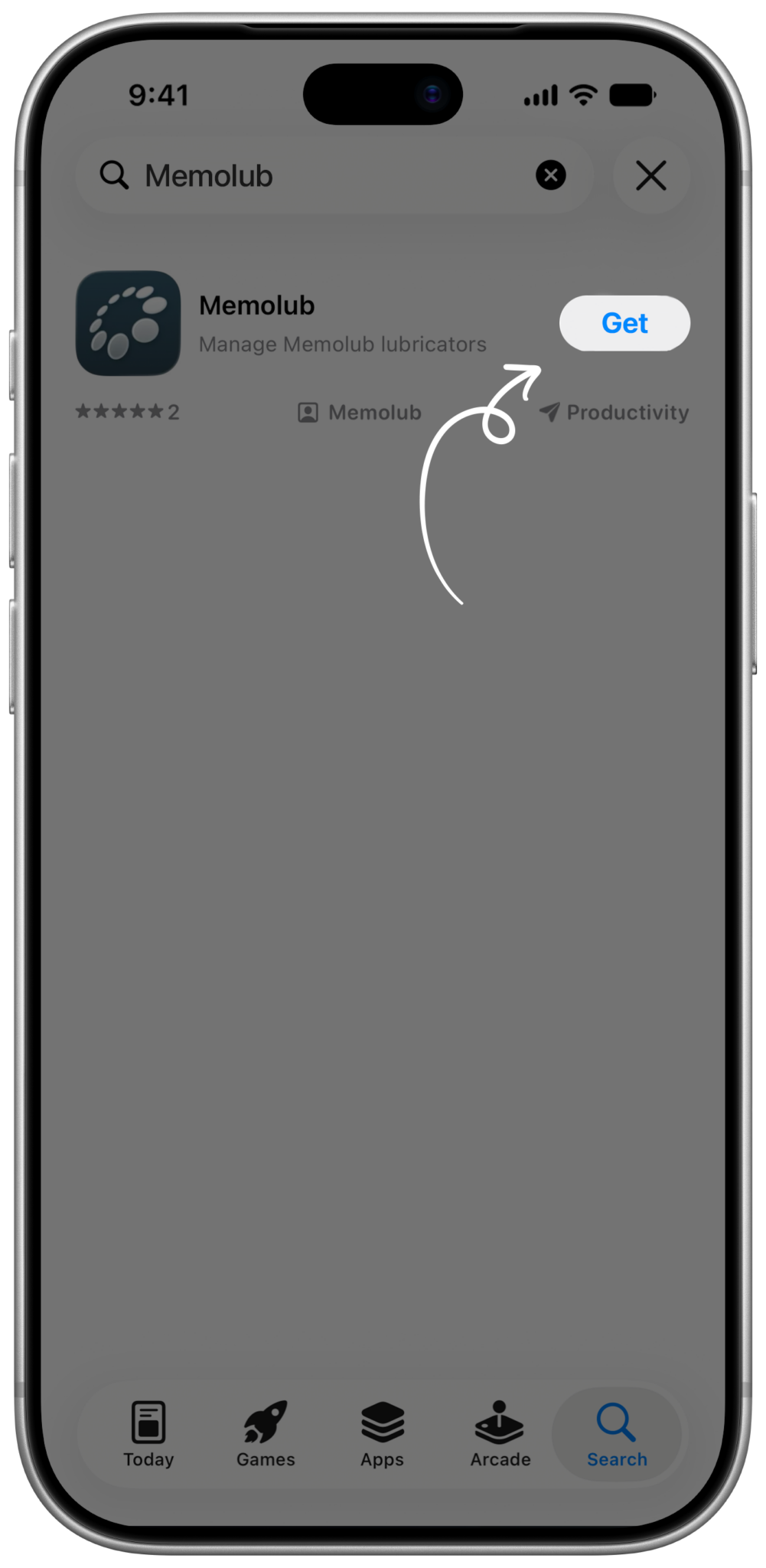
Tap the get the app button for immediate installation, tap the App icon for more info.
-
4
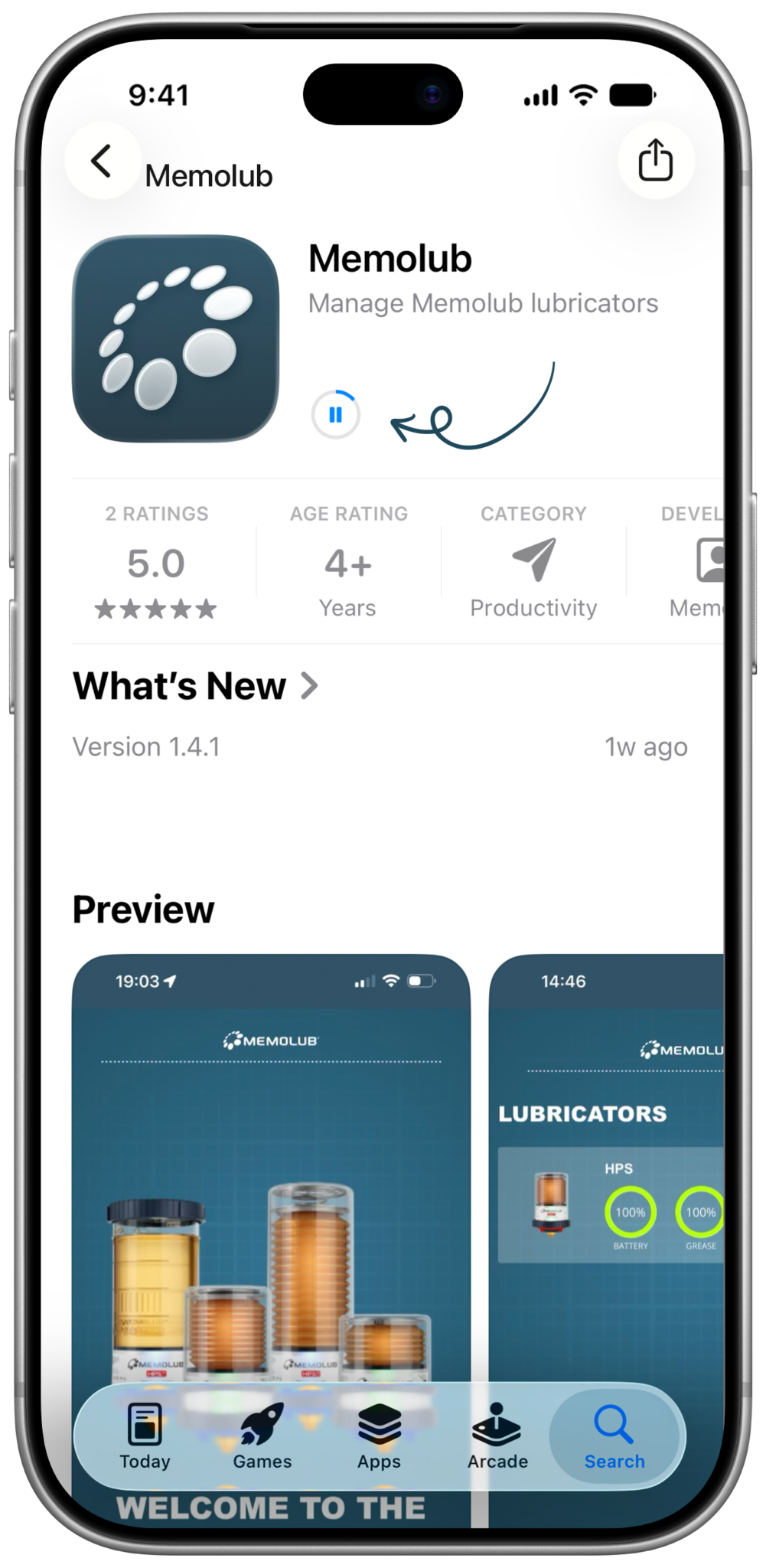
The app downloads and installs automatically.
-
5

Find the Memolub app on your homescreen. Tap to open.
-
6
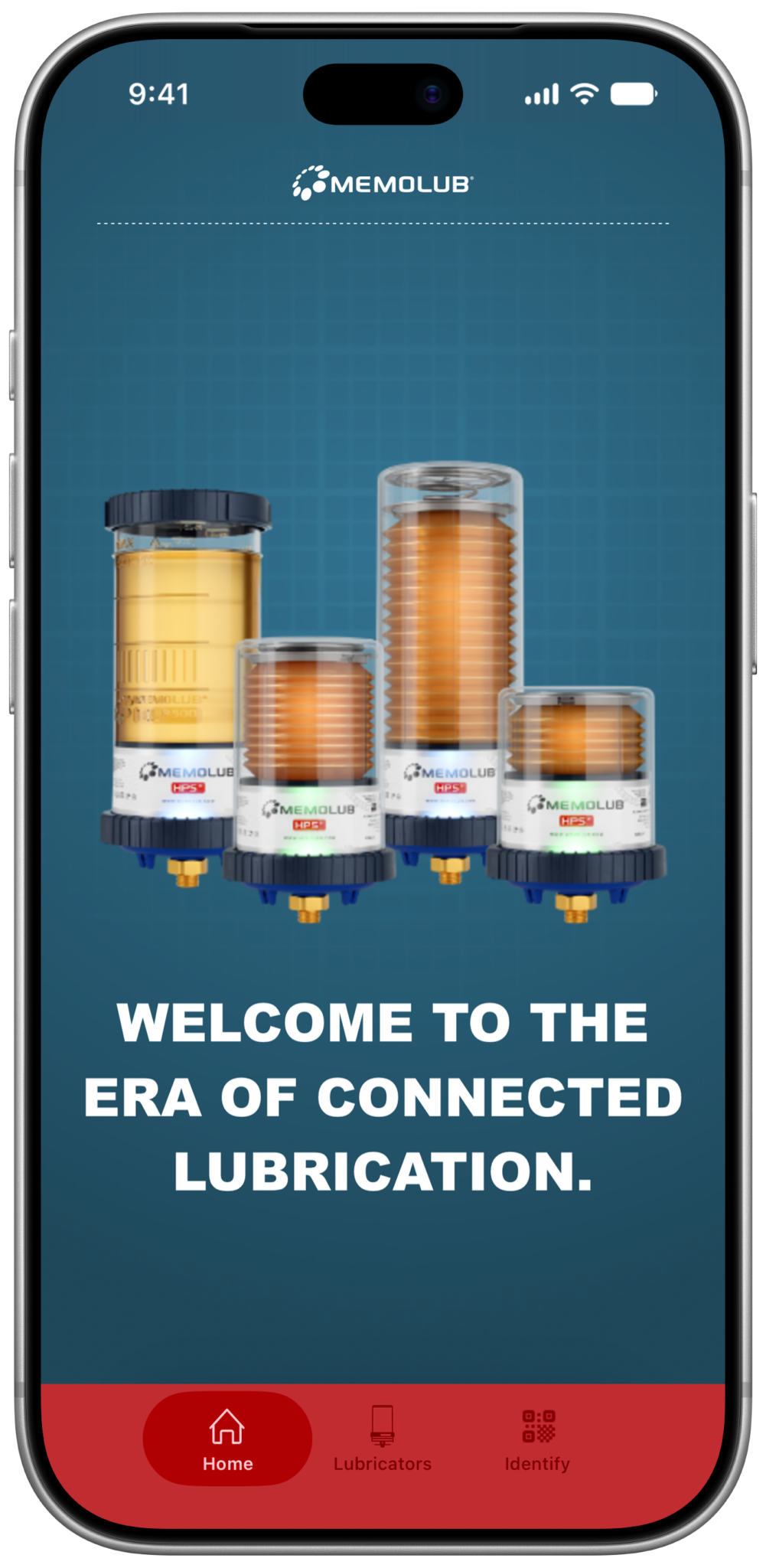
Well done, the app is up and running.


Monitor your lubricators
-
1
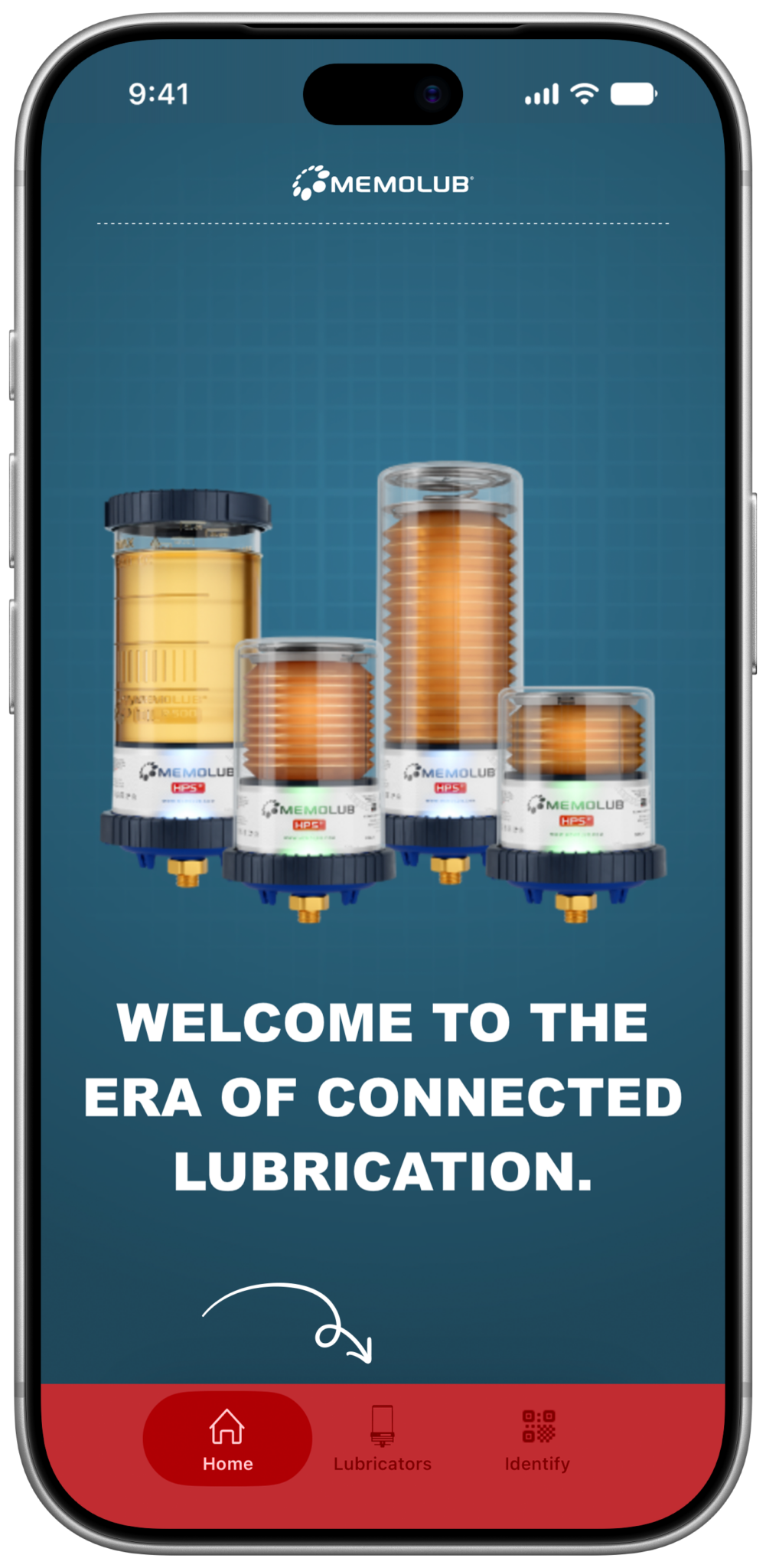
Tab the lubricators tab.
-
2
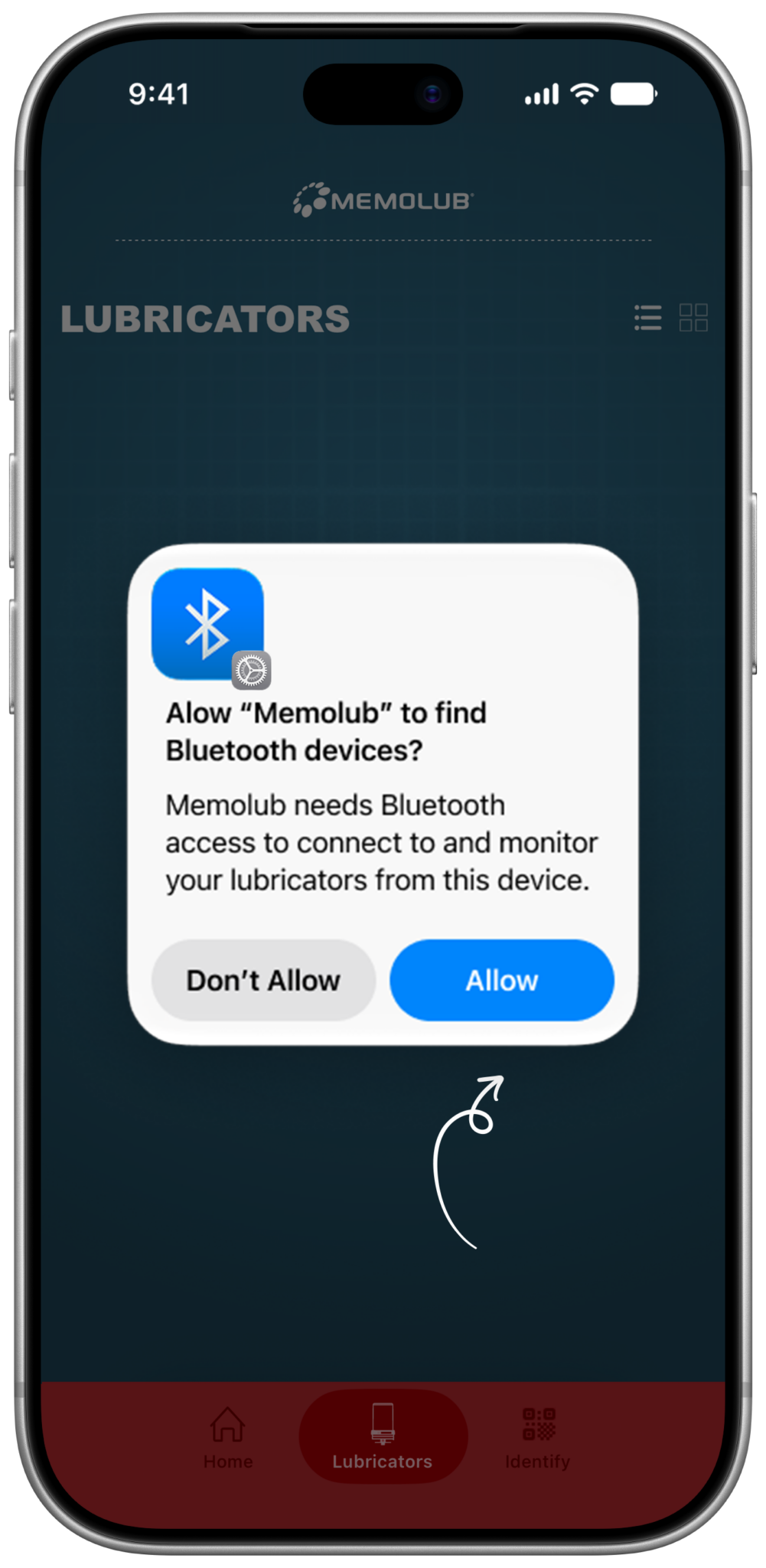
Allow Memolub to find bluetooth devices when launching the app for the very first time.
-
3
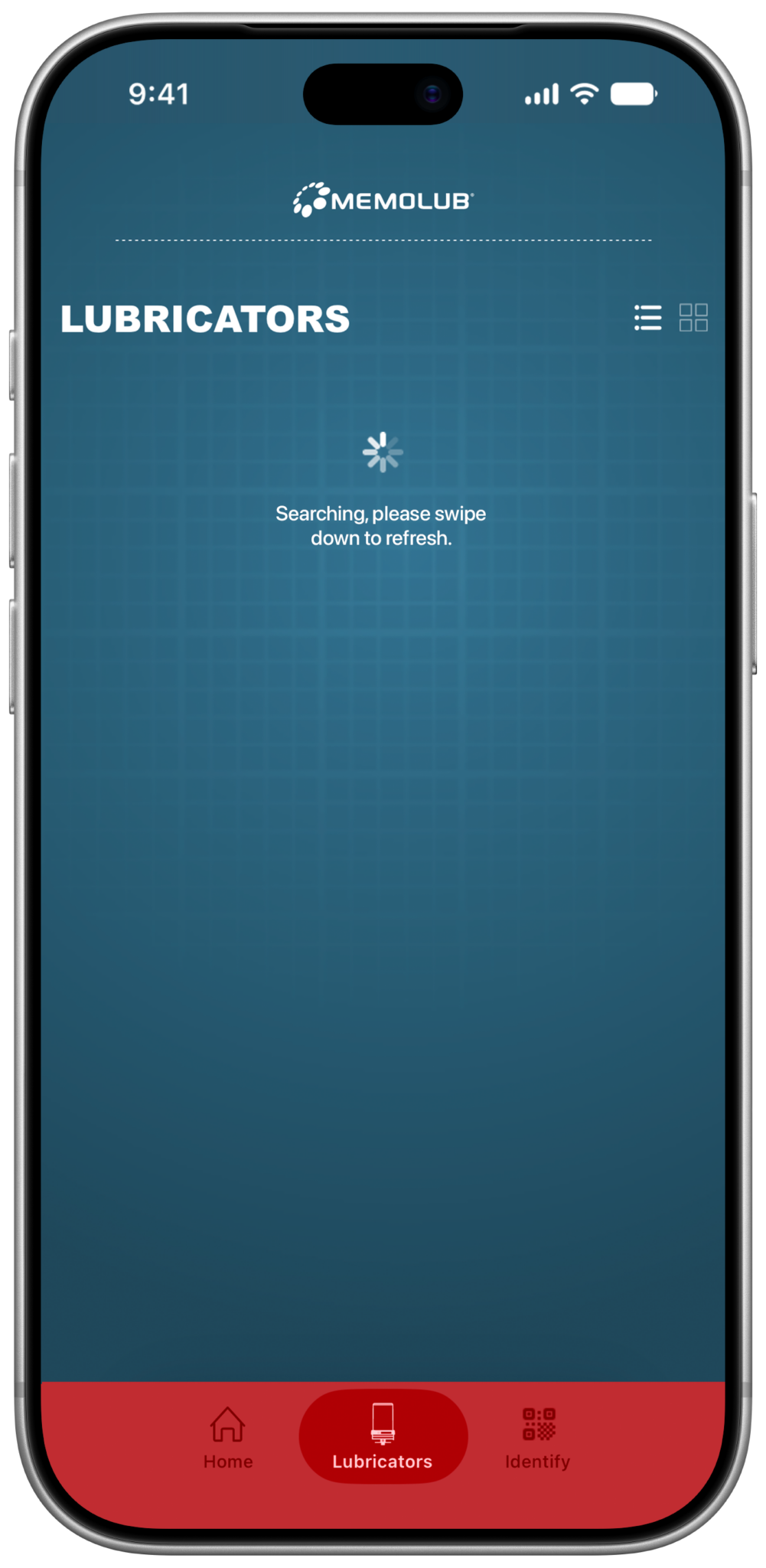
-
4
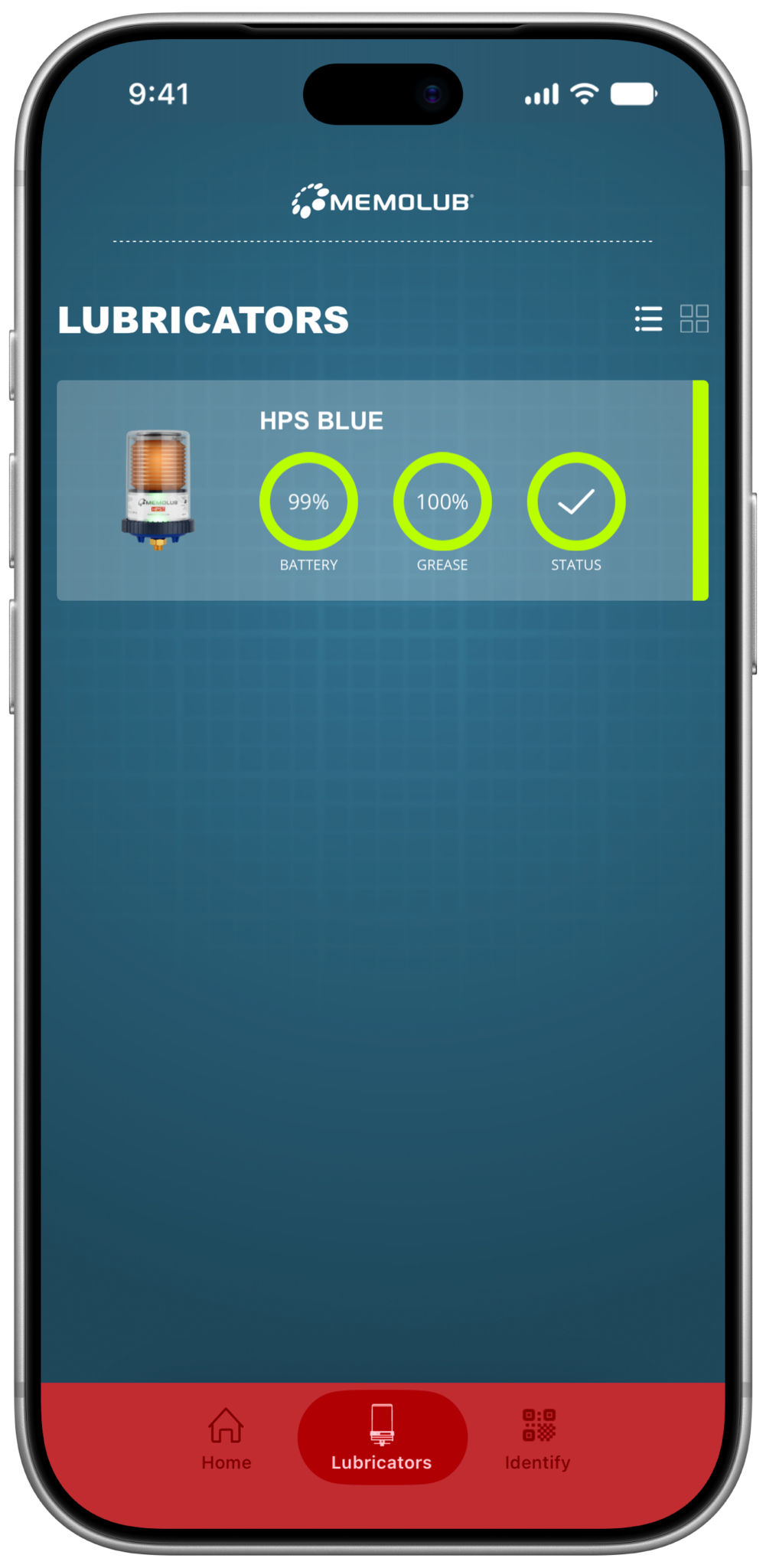
-
5
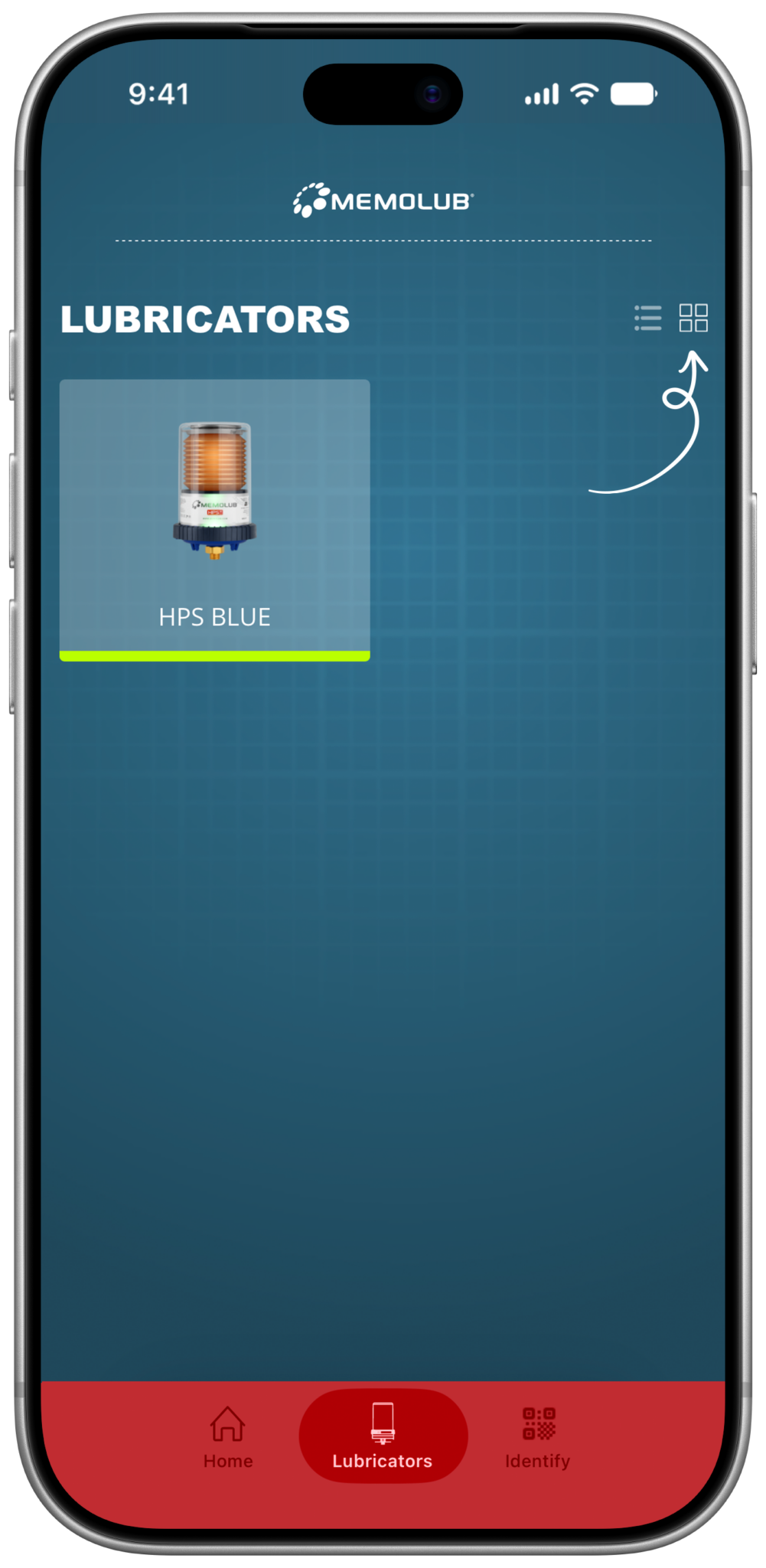
Switch view to tiles.
-
6
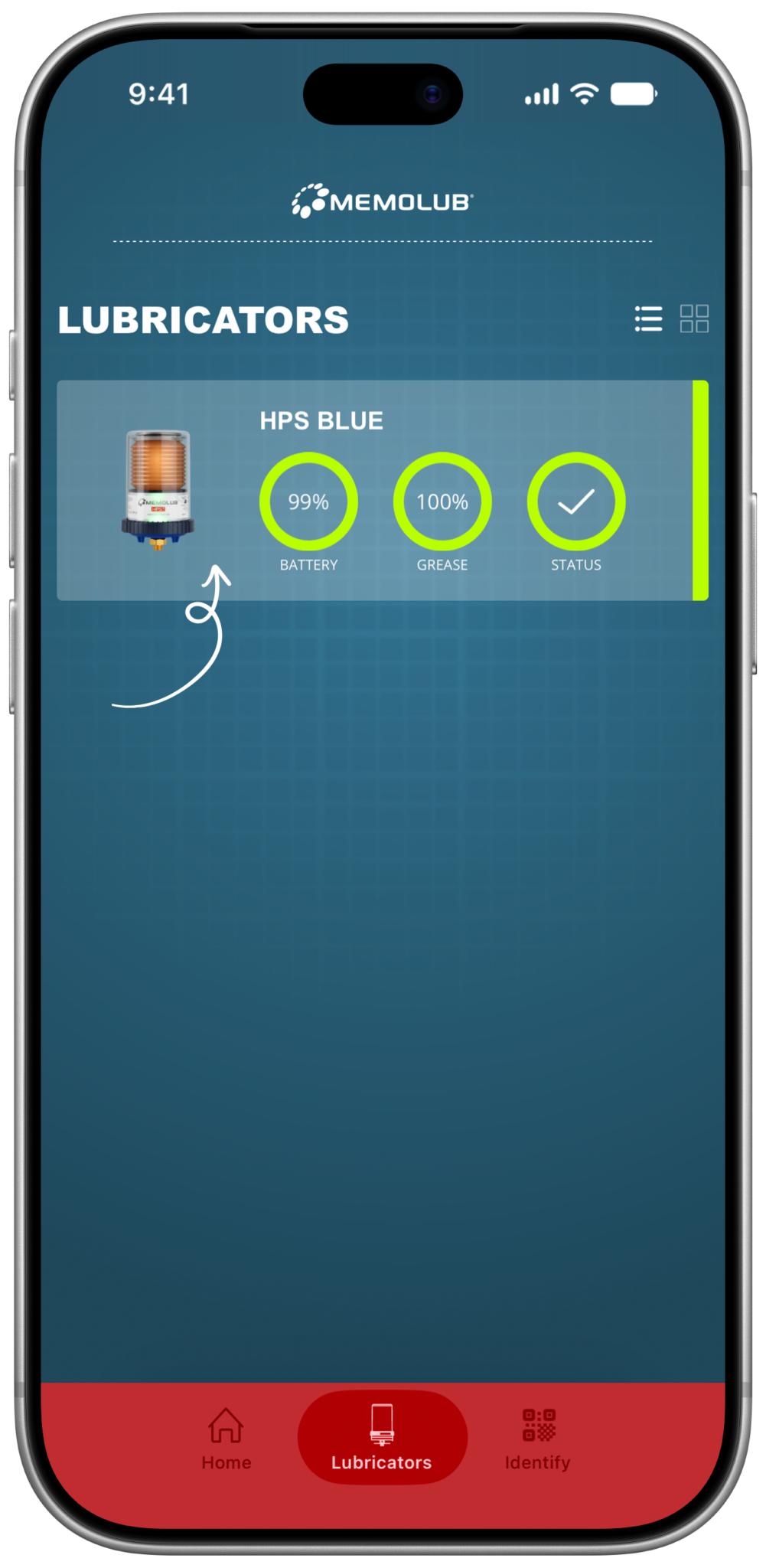
-
7
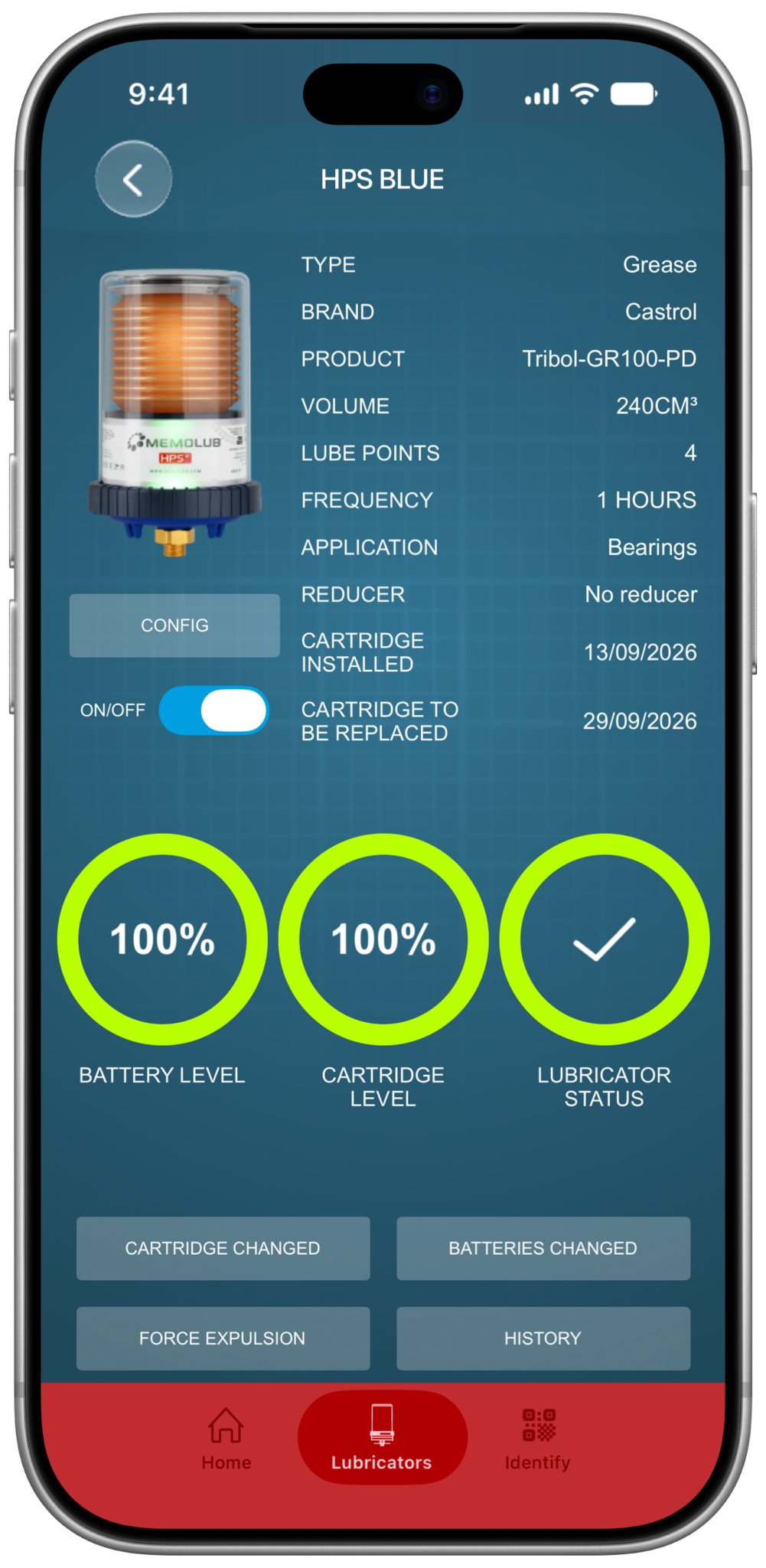


Initial setup of your lubricator
-
1
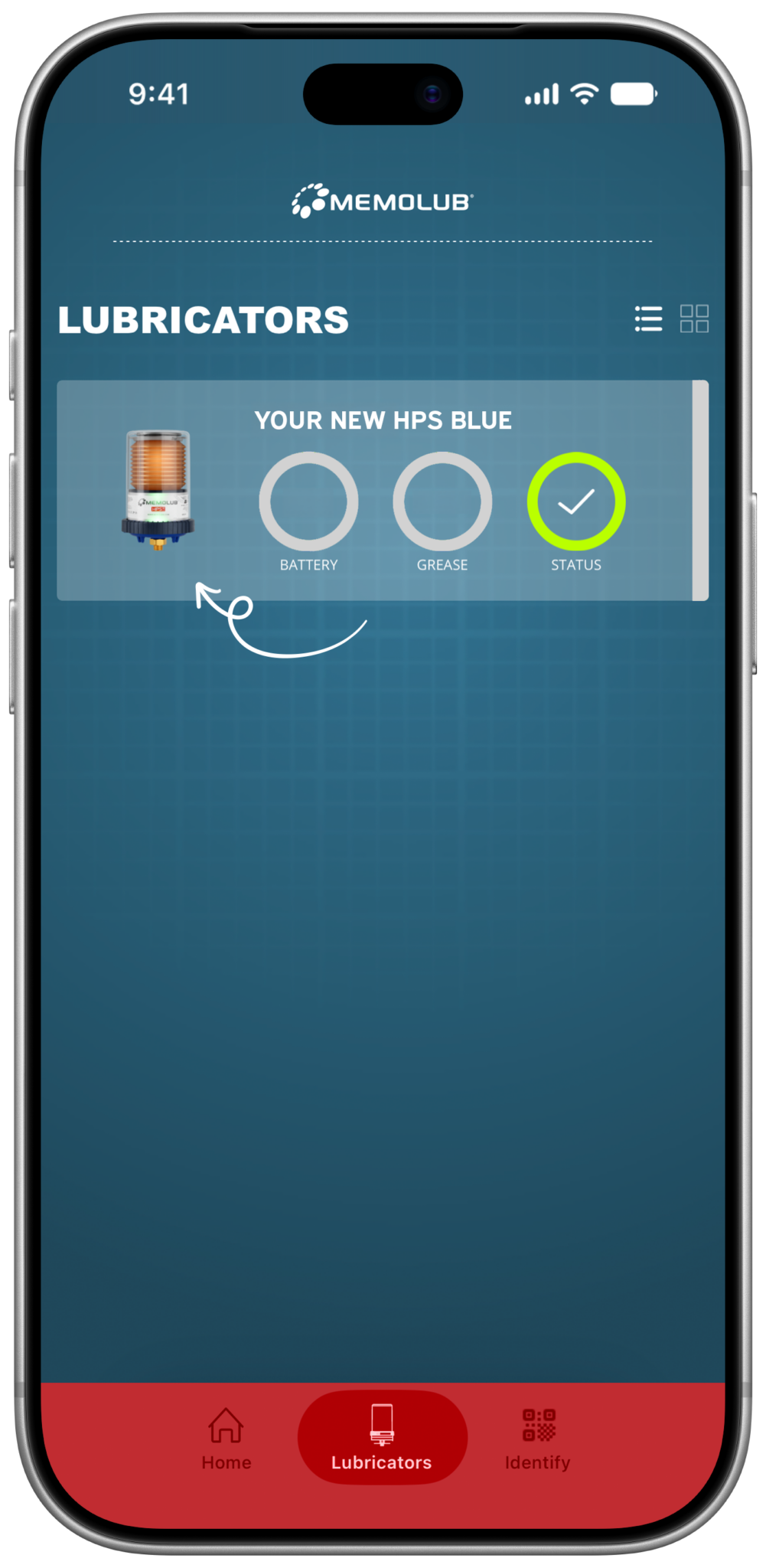
Select your new lubricator from the list.
-
2
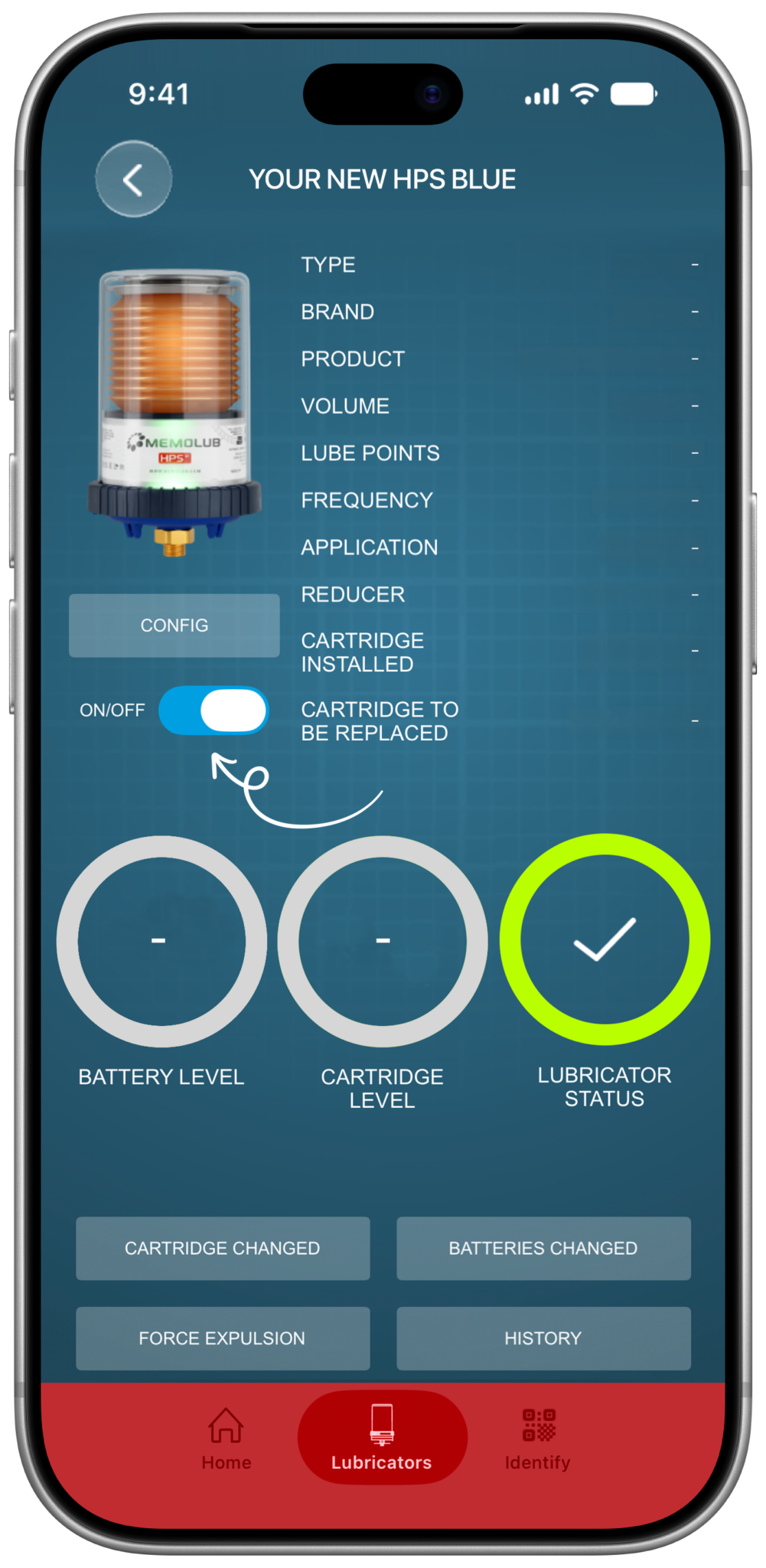
Toggle the lubricator OFF.
-
3

Confirm you want to turn OFF the lubricator.
-
4

Toggle the lubricator ON.
-
5
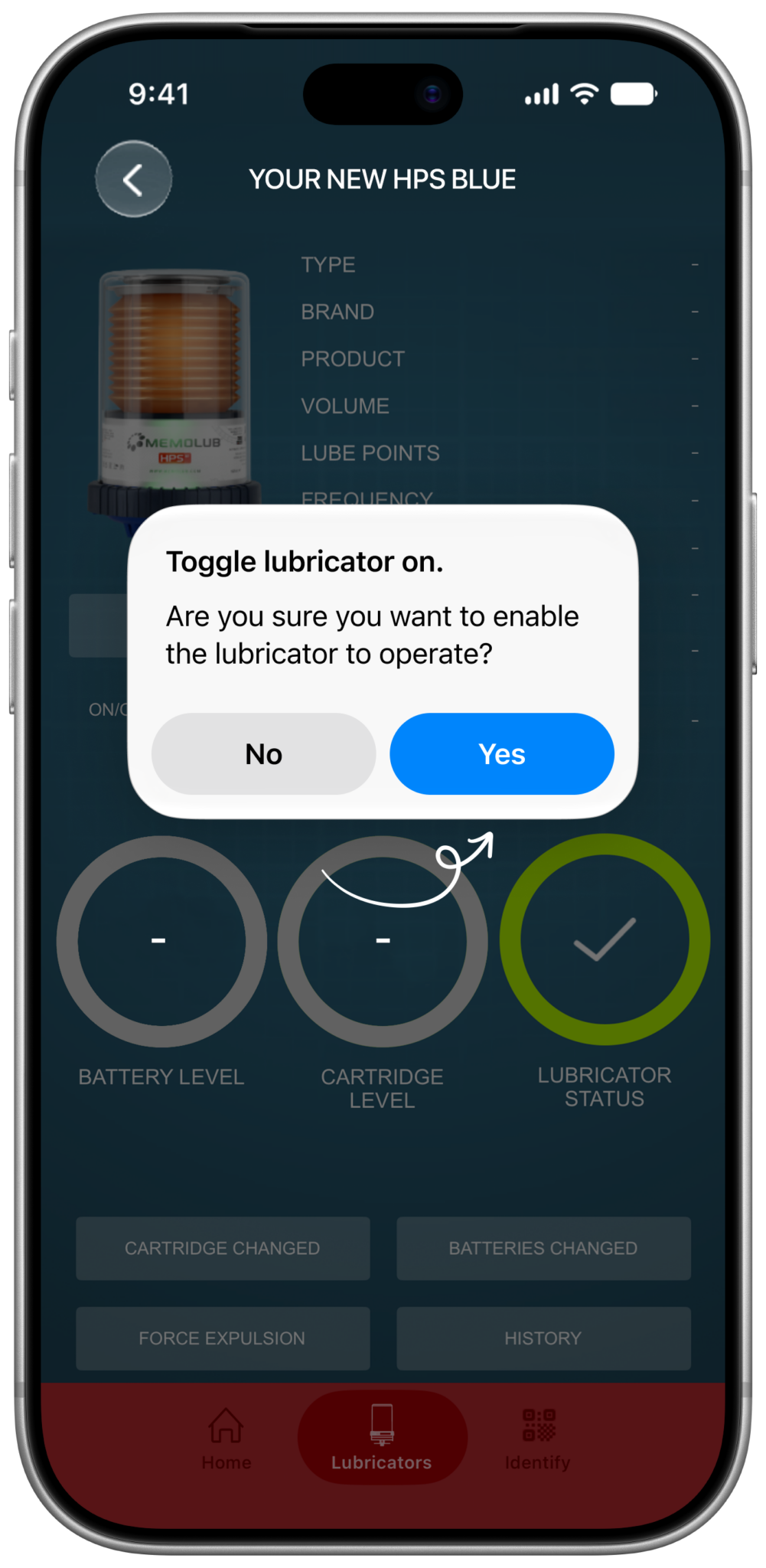
Confirm you want to turn the lubricator ON.
-
6
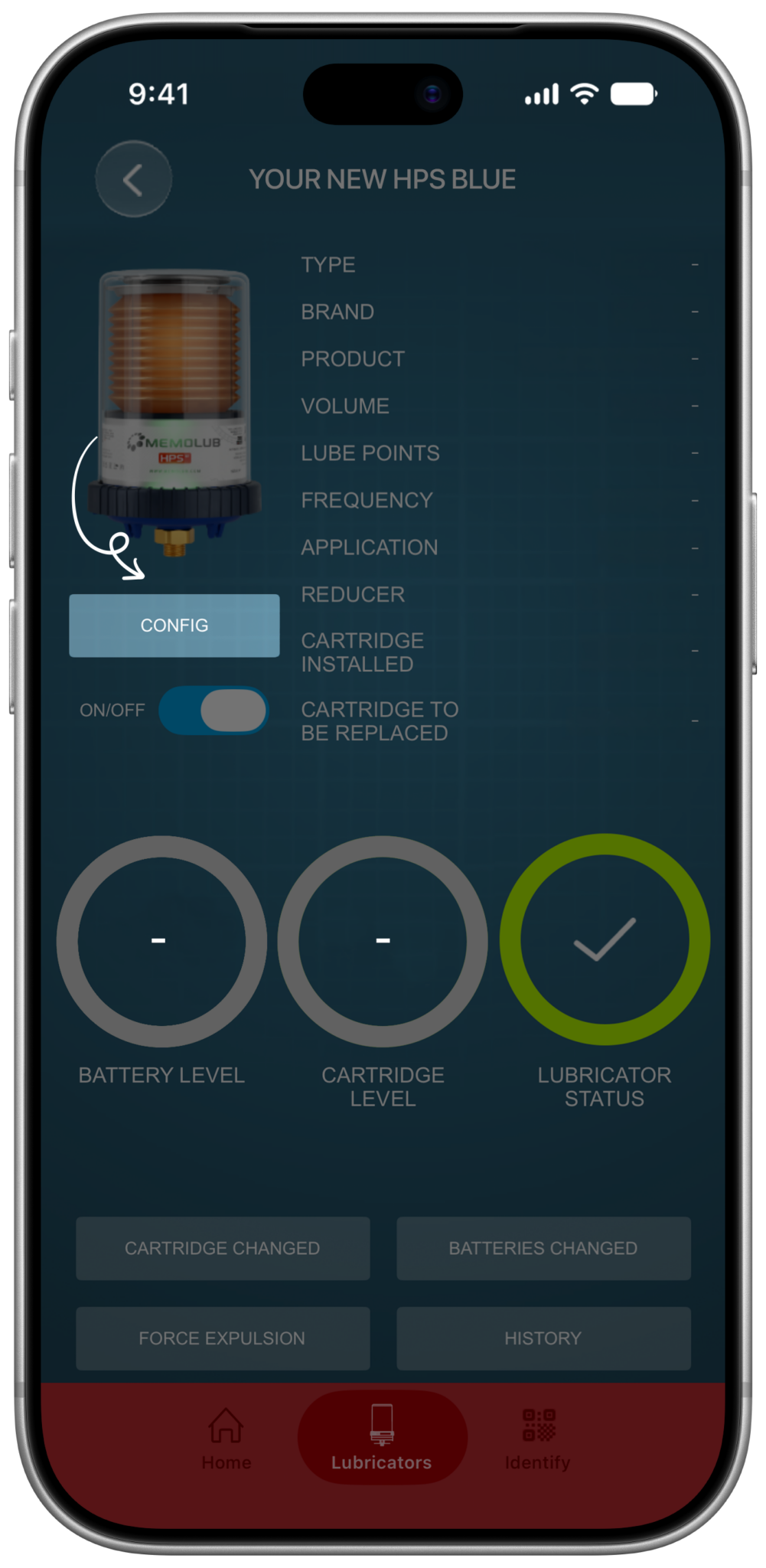
Tap the config button to setup the lubricator.
-
7
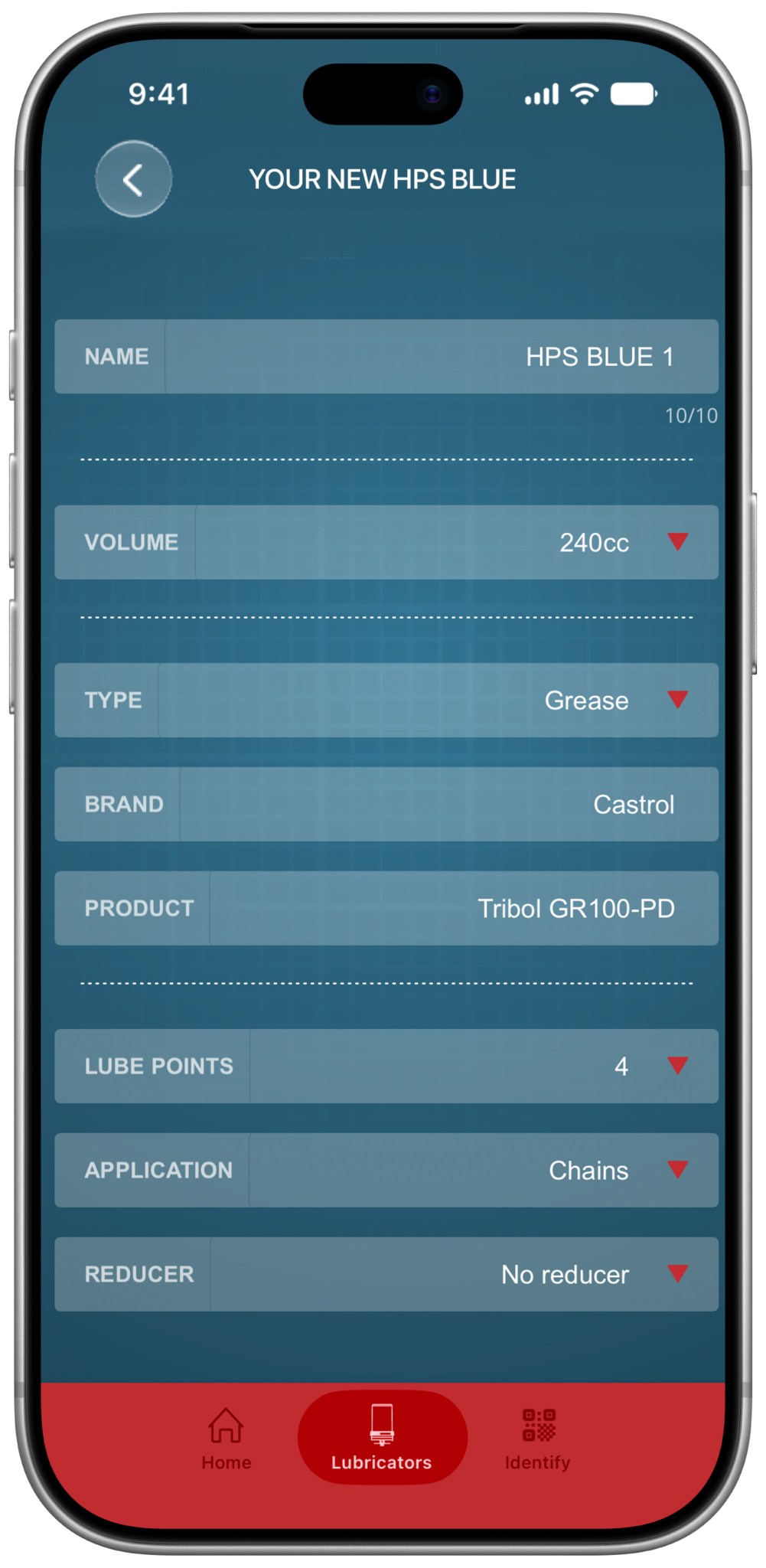
Fill all the details: name, volume, lubricant type, brand, product, lube points, application and the number of installed reducers.
-
8
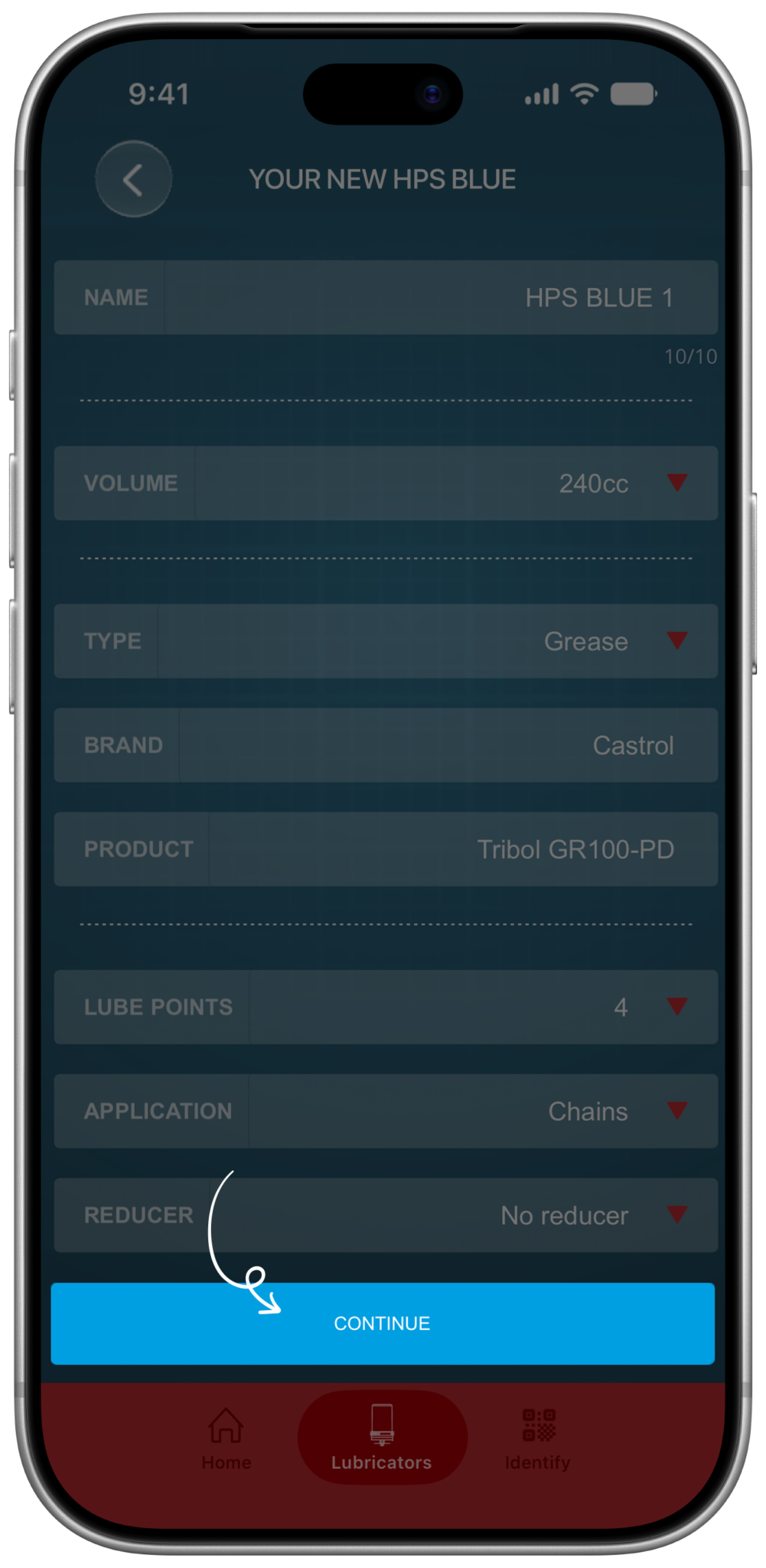
Proceed by tapping "Confirm".
-
9
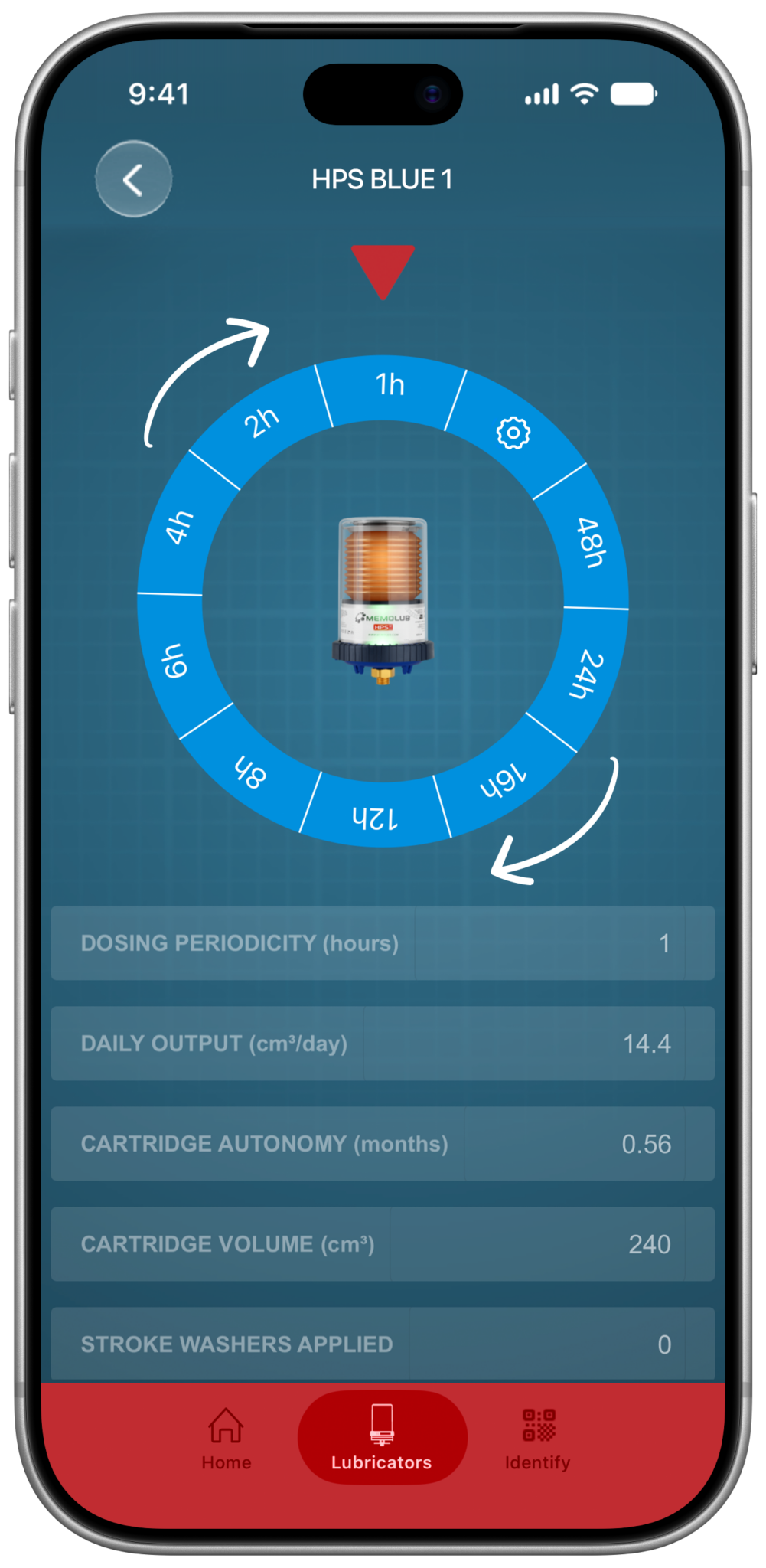
Select your preset frequency setting, or configure one yourself by moving the wheel to the gear icon.
-
10

Tap the "Save & Finish".
-
11
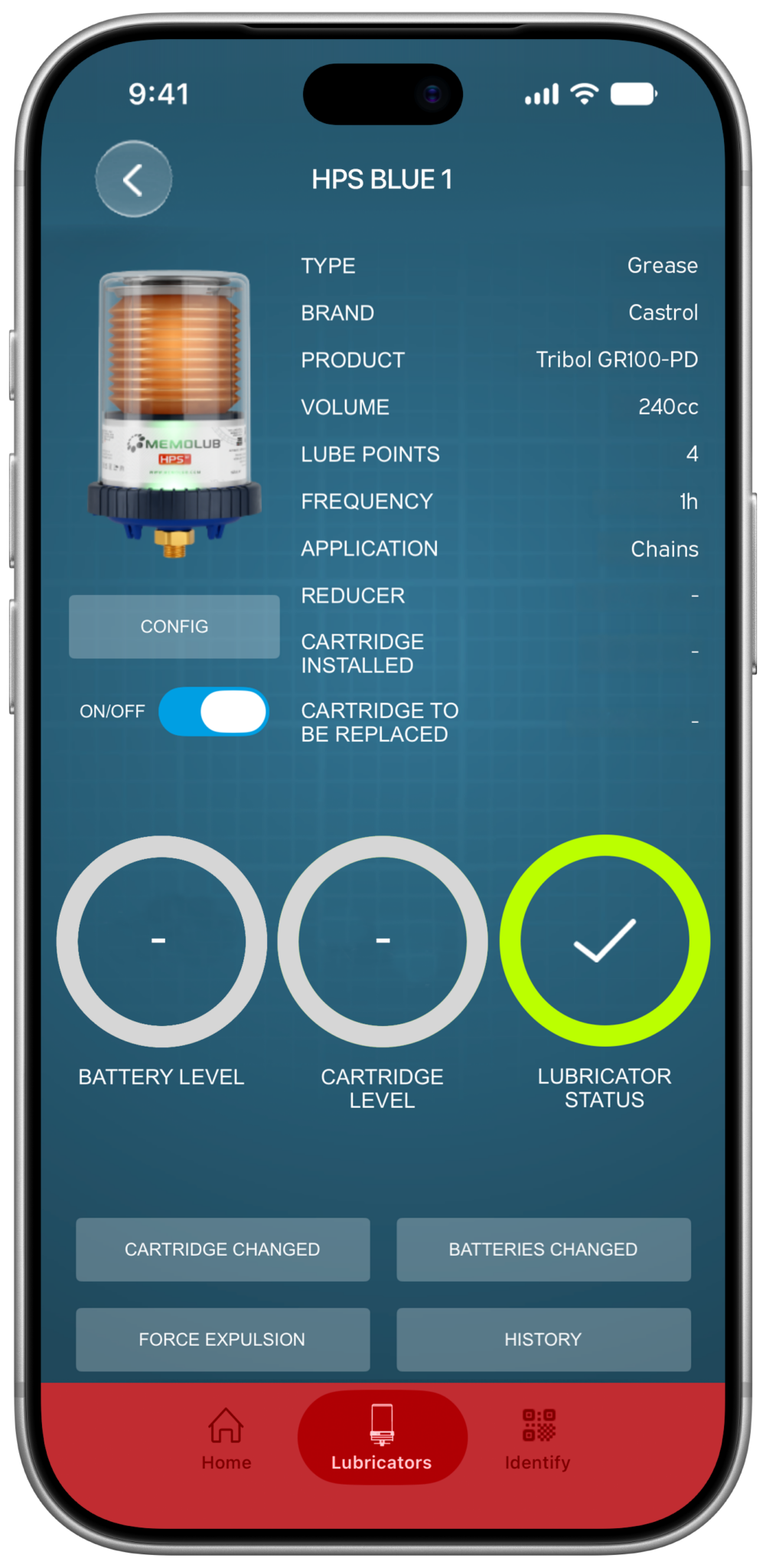
The lubricator is set now, but there are 2 more things to do.
-
12

First, tap "Battery Changed" to set the level to 100%.
-
13
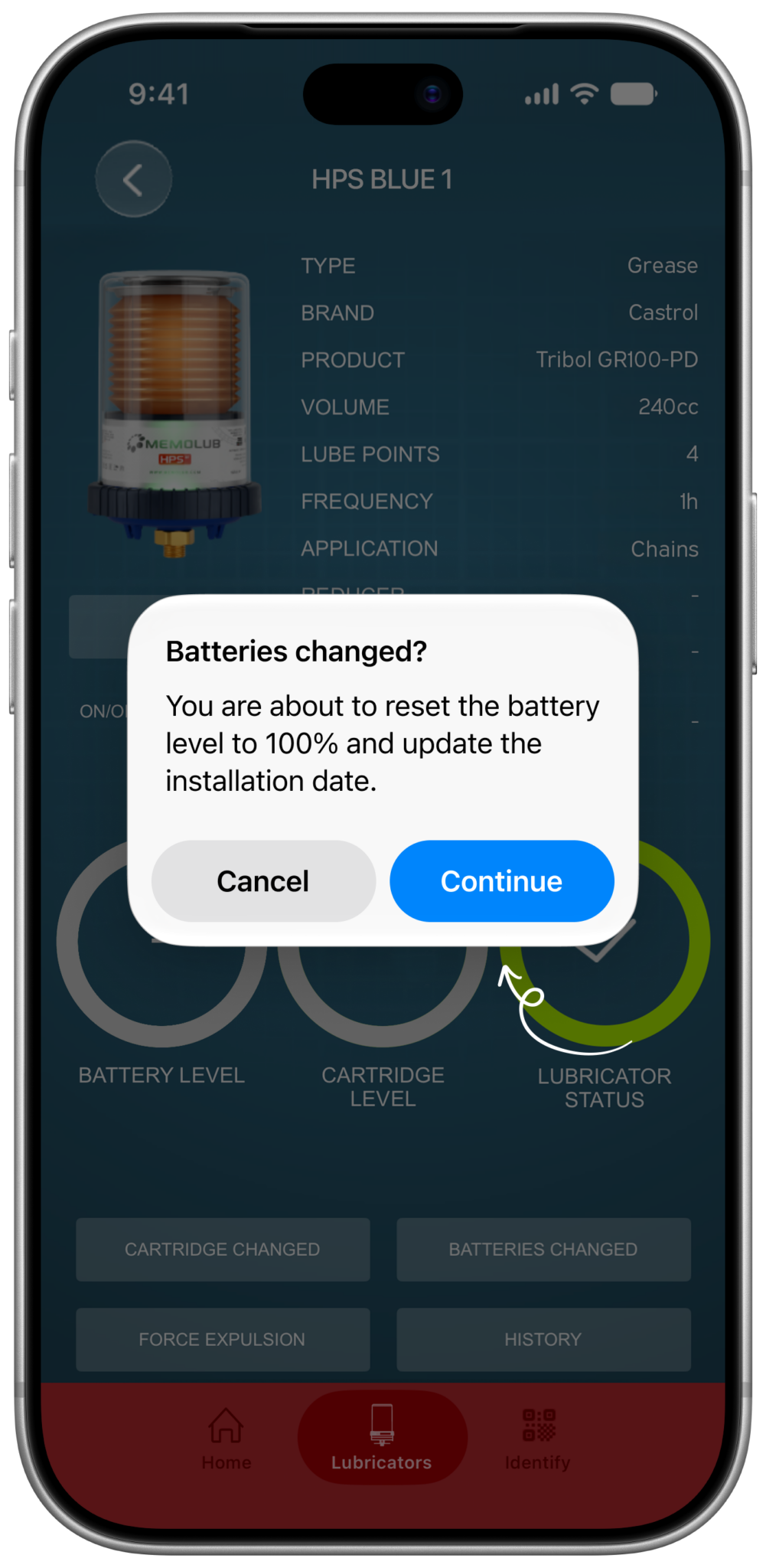
You have installed new batteries on installing the lubricator, please confirm.
-
14
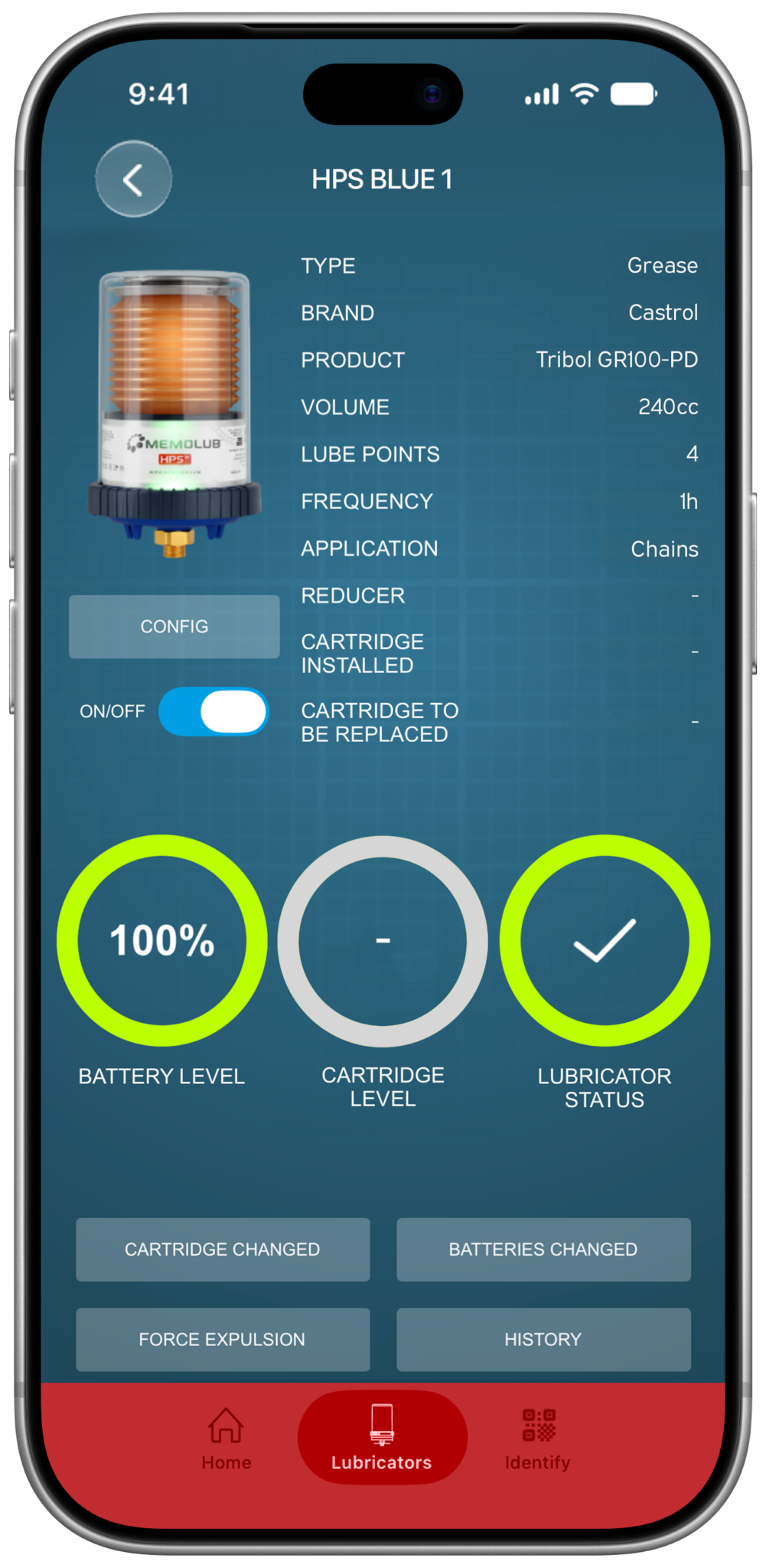
The battery level is now set to 100%.
-
15
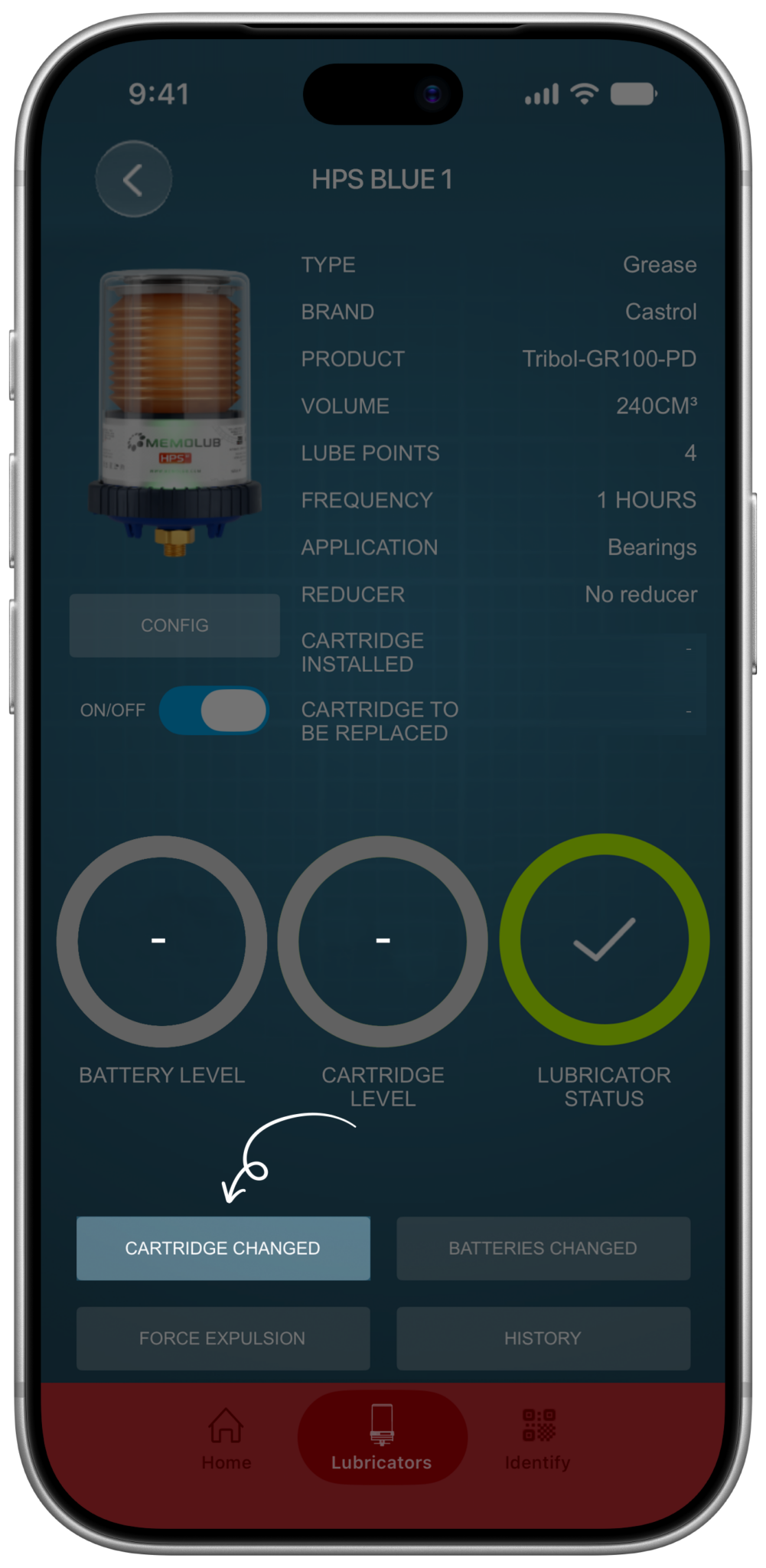
Secondly, tap "Battery Changed" to set the installation date of the cartridge.
-
16
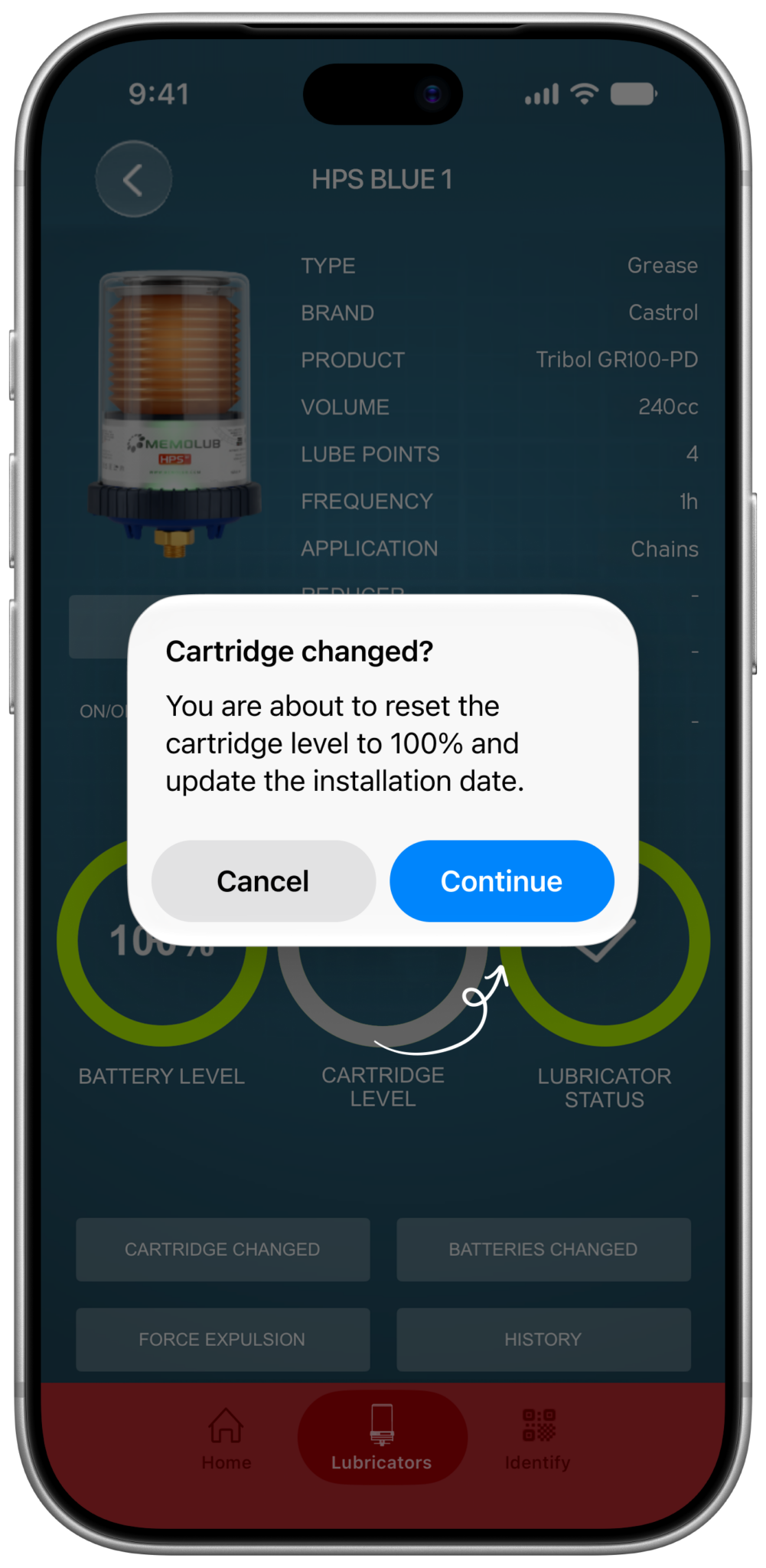
You have installed new cartridge when installing the lubricator, please confirm.
-
17

The cartridge level is now set to 100%, the installation and replacement dates are set. You have completed the initial setup.


Changing the setup of your lubricator
-
1
Select the lubricator you want to change from the list.
-
6
Tap the config button to alter the lubricator's configuration.
-
7
Change the values from the details list as prefered: name, volume, lubricant type, lubricant brand, product, lube points, application and the number of installed reducers.
-
8
Proceed by tapping "Confirm".
-
9
Alter your preferred preset frequency setting, or configure one yourself by moving the wheel to the gear icon.
-
10
Tap the "Save & Finish".
-
17
You have completed the setup change.